






Ready for the January 2027 mandate with the Billit Digital Postman

E-invoicing and e-reporting in Slovakia

As of 1 January 2027 sending and receiving e-invoices will become mandatory for Slovak companies. They will also need to report their invoices to the tax authorities in Slovakia.


Find out what this law means for you as a Slovak company and what steps you need to take to comply.

E-invoicing and e-reporting in Slovakia: what does the mandate mean?

Legal obligations

From 1 January 2027 Slovakia will mandate domestic e-invoicing and e-reporting. This means invoices from and to a Slovak company will need to be sent in a specific digital format (UBL) via the Peppol network.

As a Slovak company, you also need to submit e-invoices to the Slovak tax authority. That is called e-reporting.

The mandate applies to invoices exchanged between businesses (B2B) and invoices sent to the government (B2G). Sending e-invoices to consumers (B2C) is not mandatory.

How e-invoicing works in Slovakia

E-invoices are sent via the secure Peppol network. As a Slovak company, you need to register with a Peppol Access Point or provider certified by to Slovak government to handle e-invoicing. In Slovakia an Access Point is also called a "Digital Postman" (Digitálny poštár).

Billit is recognized as a service provider by the Slovak government and can securely handle e-invoicing and e-reporting.


You register with a Peppol provider such as Billit and create an e-invoice.

The Access Point reports the e-invoice to the tax authority and to your customer's Access Point.

Your customer's provider checks the invoice and sends a status message back when everything's in order.

Your customer receives their invoice and the tax authorities confirm with a status message. The invoices has been 'reported' to the government.

How to start sending e-invoices to Slovakia

Before you can send your first Slovak e-invoice you need to to two things: register your company with the Slovak government and register with an Access Point. Follow the steps below to register with the Billit Access Point.
Step 1

Create a Billit account

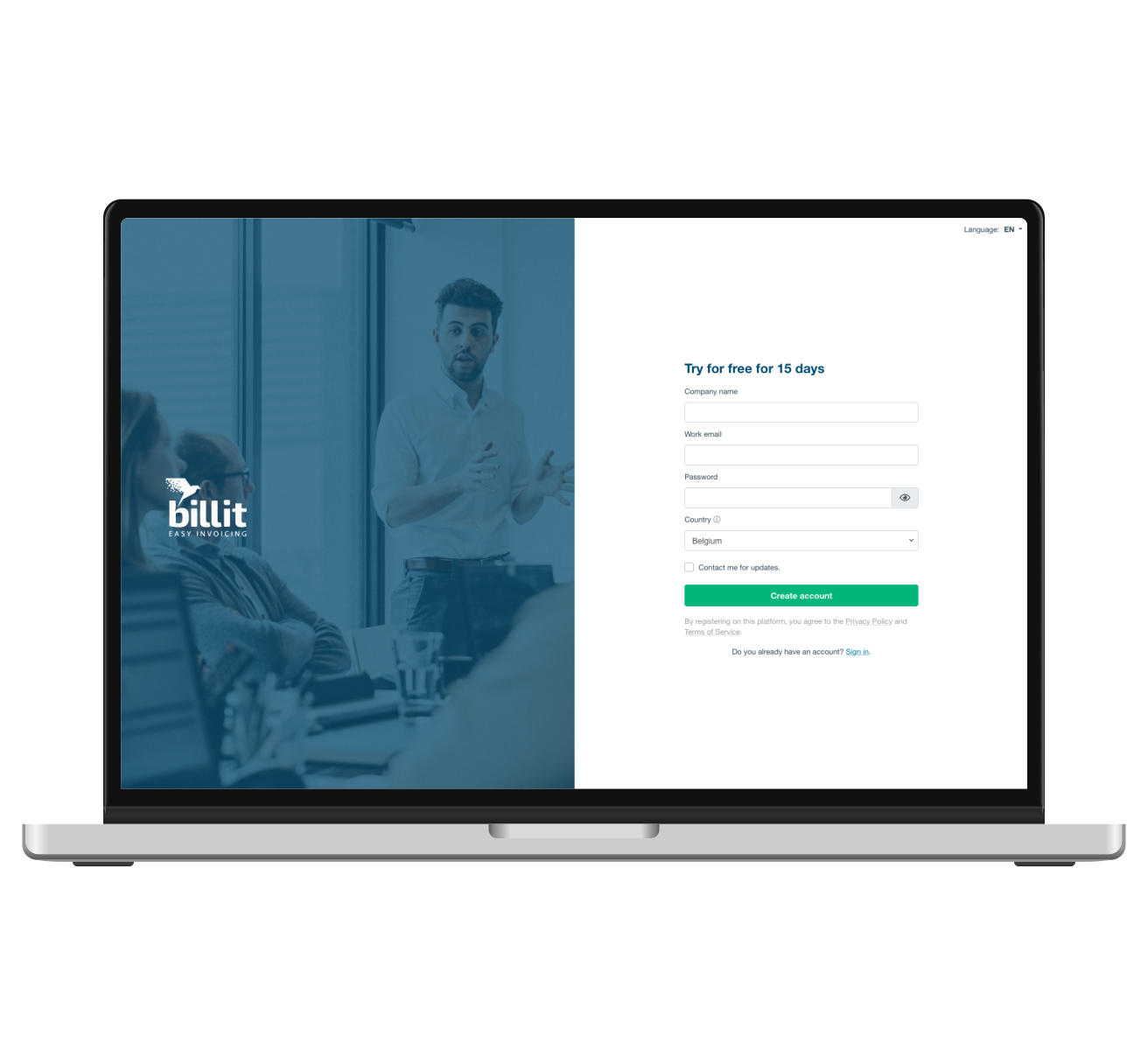
  • Create your free trial account using the button below.
  • Enter your company information such as your DIČ and your full address in the 'My company' tab.
  • Through the menu item 'My Profile' you can further complete your company details.
Billit - Create Account
Step 2

Register with the Slovak government

Before you create your first invoice, you need to register your company with the Slovak government so they know which Access Point you've chosen. You can do this via the Billit platform.
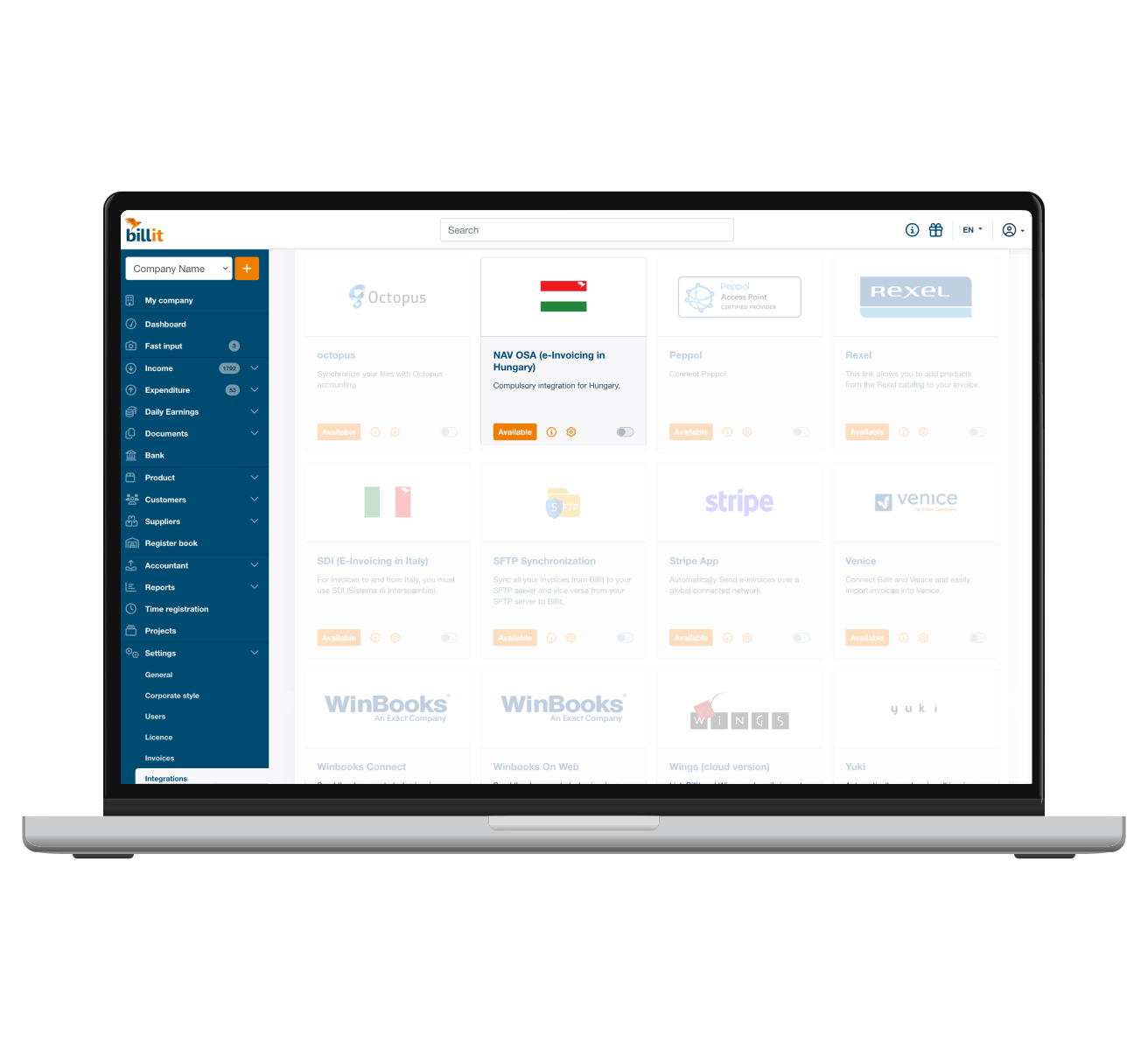
  • In Billit, go to 'Settings' and 'Integrations' in the left-hand menu.
  • Look for '???' in the search bar or scroll down the list. 
  • Click on the 'available' button.
  • You will find a link to a website from the Slovak Government.
  • Enter your company details through ??ITSME?? to confirm your identity.
  • As soon as your registration is complete, you will see an active status in Billit.
Screen NAV OSA Integrationpage 656X600 (1)
Step 3

Complete your registration in Billit

  • Fill in the rest of your company details in the 'My company tab'. Make sure to fill in all details that are necessary for e-invoicing, such as your VAT account.
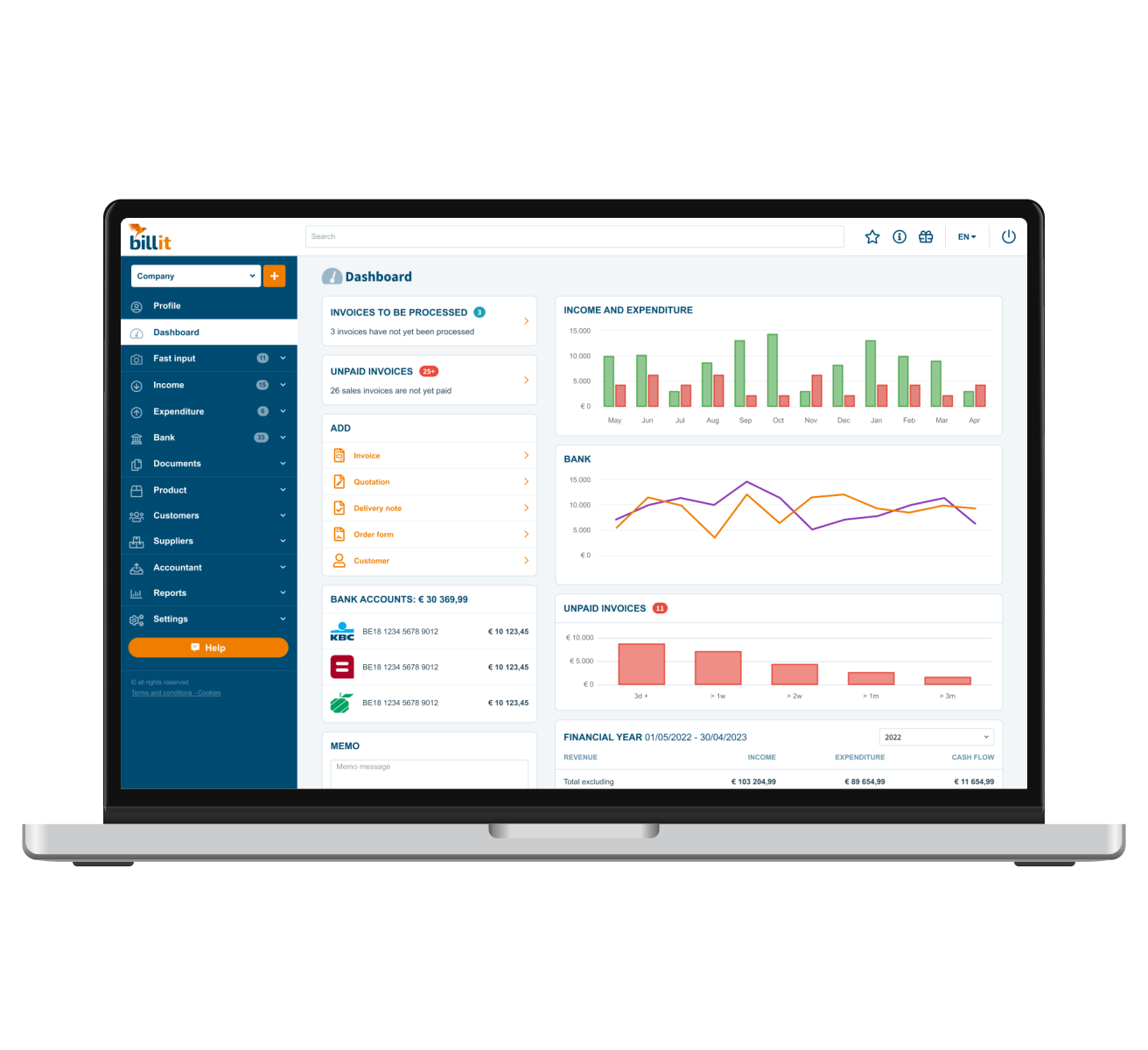
  • Verify your identity. This way, your recipients can be sure your invoices are really sent by you. Check your dashboards to see which steps still need to be completed. 
Billit - Dashboard
Step 4

Create a customer

  • Click on 'Customers' in the menu on the left and click the '+add' button
  • Fill in your customer's details
  • In the section 'invoicing address' set the country to 'Slovakia'
Billit - Dashboard
Step 5

Create & send invoice

  • Go to the income tab to create your first invoice and click the '+Add' button
  • In the customer field, select the customer you've just created
  • Fill in the rest of your invoice and click 'create invoice' to finalize
  • Click the 'Send' button to see all sending options
  • Billit will automatically recognize if your customer is connected to Peppol. Click the green 'Send via Peppol' button to send your invoice
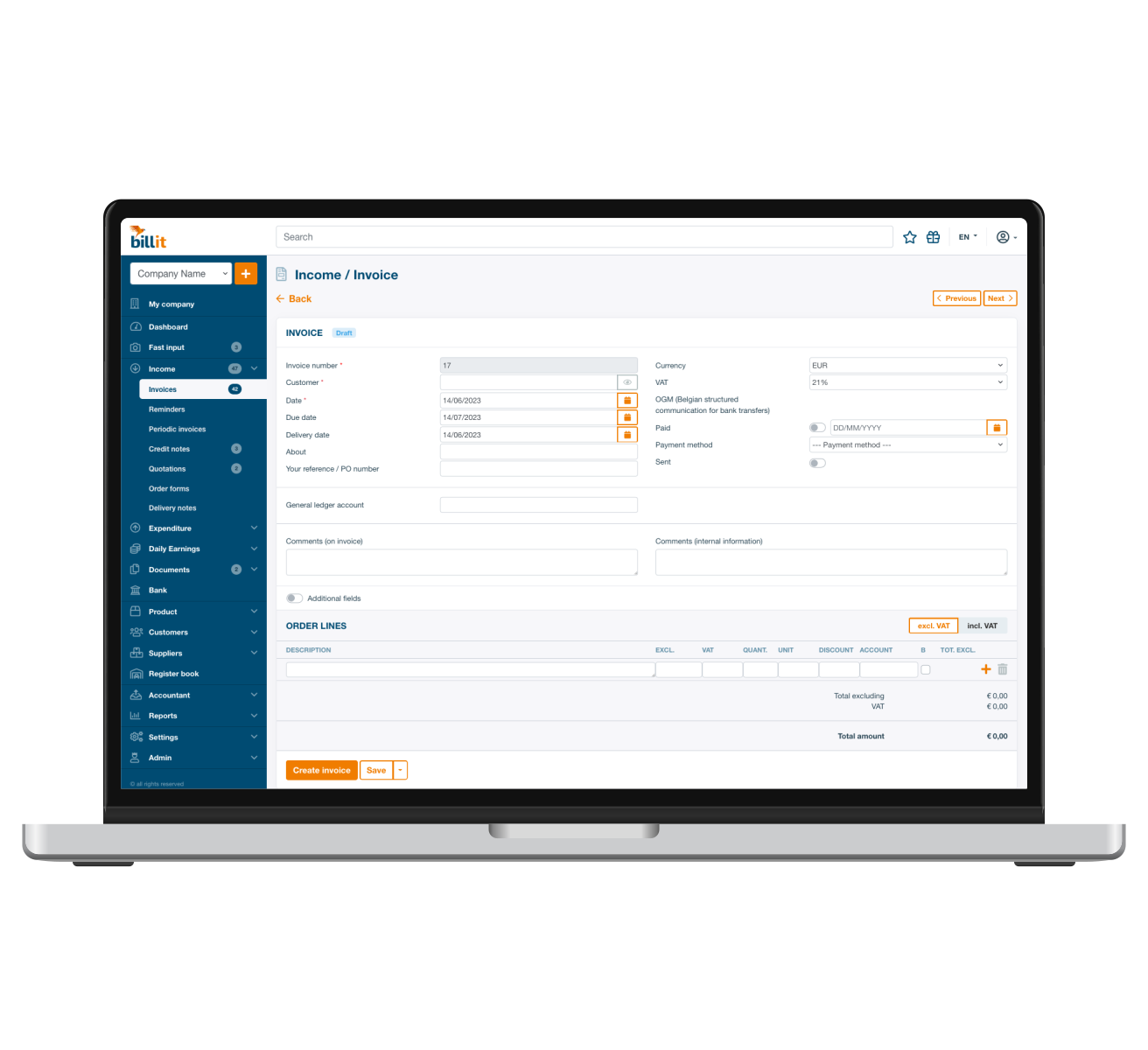
Billit - Create Invoice
Link your ERP or other software through API

Connect directly to Peppol, without the platform

No need to add another platform to your suite. You can connect your existing software directly to the Billit Peppol Access point and implement e-invoicing in your existing flows.

Why use Peppol?

Peppol is a secure and closed network with many advantages:

Safely exchange sensitive financial data

The identity of everyone affiliated with the network is verified, so you can be sure that the invoices you receive are genuine, and you avoid invoice fraud.

Automate your invoicing process

The invoices you send through the network are completely digital, so you can process them automatically in your invoicing software.
Avoid retyping data

E-invoices in the UBL standard are automatically read correctly. This prevents human error during processing.

Gain more financial insight

Linking to your bank account means that outgoing and incoming invoices are automatically matched and you get a better overview of your company's financial situation.

Send invoices quickly

Peppol is fast: your recipient will receive your invoice within 10 minutes of sending it. Combined with automatic processing, this will save a lot of time.

Connect to the Billit Digital Postman, with or without your own software

Send your first Slovak e-invoice today