


































Features

Integrations and connections

Quishing is a new type of scam that is becoming increasingly common. It involves criminals trying to extract money or data through fake QR codes. This blog post tells you how to protect yourself against quishing.
 3 min reading time
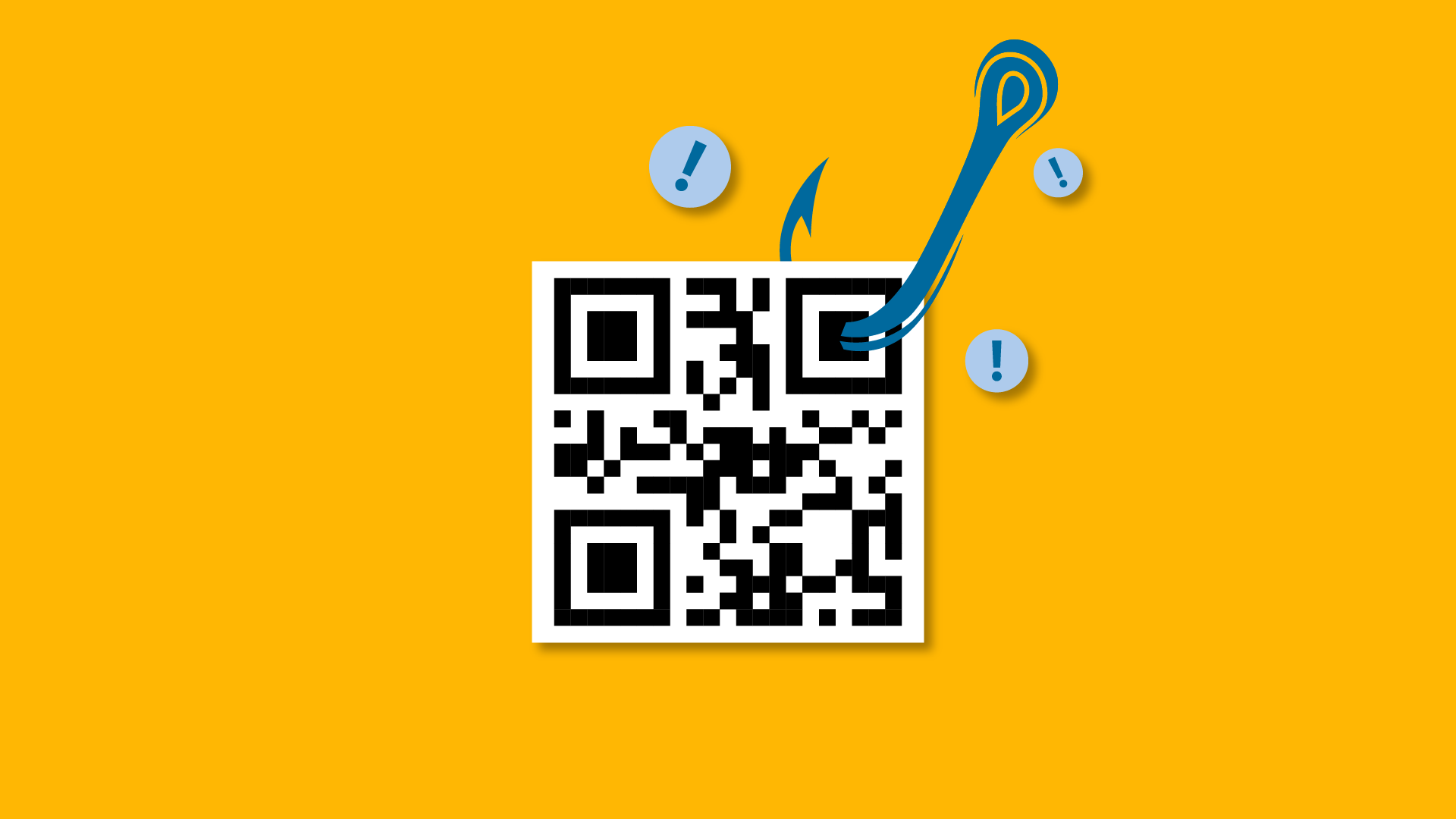
Quishing is a contraction of “QR code” and “phishing”. Just like with phishing (email scams), smishing (text message scams) and vishing (phone scams), it involves scammers trying to get you to transfer money or personal information to them.
With quishing, QR codes are used that, when scanned, take you to a malicious website where you have to make a payment or enter personal information. Also, in some cases, malicious software may be installed on your device.
Scammers forward such fake QR codes mainly via email, text or WhatsApp and pretend that the sender is a trusted company, bank or public body to which you still owe money. However, paper documents, such as fake invoices or menus, can also contain manipulated QR codes. So you should always be careful when scanning QR codes of which you do not know the origin.
The number one rule is to be vigilant and always check the source of a QR code before scanning it. So be sure to check the sender’s email address or phone number. If it is any different from what you would expect, it is better not to scan the code.
If you have already scanned the code, make sure you check which web page you land on. If there is no “https” in the address bar or the “lock” is missing, the connection will not be secure and it is best not to enter sensitive data.
Moreover, always use a secure QR scanner. Some QR scanning apps come with built-in security features that check the security of a link before you open it.
Finally, always make sure the software on your devices is up to date. Outdated software often presents security risks that hackers can exploit.
If you use Billit to send and receive digital invoices through Peppol, you can be 100% sure that the QR codes added to these invoices are secure. In fact, any business using Peppol is registered on this network, giving you certainty about the origin of the QR code.
When you set up a Billit account, your business will be automatically registered with Peppol based on a trusted identifier, such as your VAT number. You can recognize businesses in your lists of customers and suppliers that are already on the Peppol network by the green Peppol label. Moreover, you can request affiliated suppliers to start sending invoices via Peppol with just one click. This ensures you don’t run any risk of invoices with fraudulent QR codes.
If any of your suppliers are not yet using Peppol, always check new invoices carefully to make sure they come from the same address as previous ones. If you notice anything suspicious, you should contact the supplier.
 Back to overview
Share


Belgian banks now check whether the account number and name match. In this blog, you’ll discover what the IBAN name check is and what it means for your payments in Billit.
Read more
Multi-factor authentication (MFA) is an extra layer of security that protects your account against unwanted access. In this blog, we explain how it works and how you can set it up in Billit yourself.
Read more

