


Features

Integrations and connections


















To use Billit securely, we request that you verify the identity of a legal representative of your company. This is a requirement in Billit to give you access to secure e-invoicing networks such as Peppol.
How do you do this?
Get one of the legal representatives to verify their identity.
If so, go to My company in the left-hand column, scroll down to the Verification center and click on ‘Verify’.
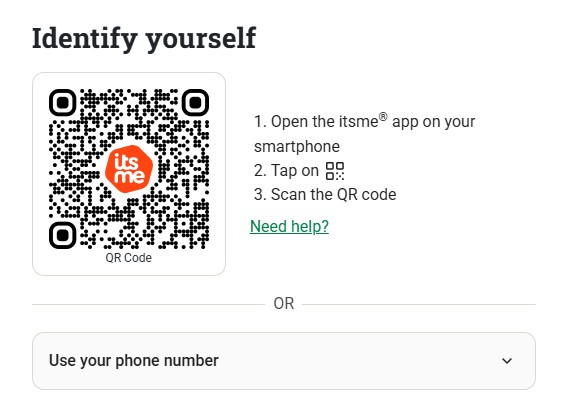
Then click on the itsme link and enter the telephone number of the legal representative, who can then verify their own identity using itsme.


In that case, start by creating a new user under Settings > Users > + Add for the legal representative who will verify their identity.


Then this person will need to log onto the platform themself, go to the blue box ‘Complete your user profile’ on the dashboard and click on ‘Verify identity’.

Next, the legal representative must select ‘Verify via Entrust’ and follow the steps. The legal representative will need their national identity card or passport for this.

Then Billit will check automatically whether the verified name is listed in the Crossroad Bank for Enterprises (CBE).
If it is, you will receive a notification on the platform that verification was successful. After that, a user can de Peppol-registratie vervolledigen.
If not, the verification was not successful, for example because the name of the legal representative is not listed explicitly in the CBE. You will receive notification of this on the platform. In that case, use a help ticket to send us a supporting document (e.g. an excerpt from the commercial register or the articles of association) that specifically mentions the verified legal representative.